
Drawing - Image - 3D - Print
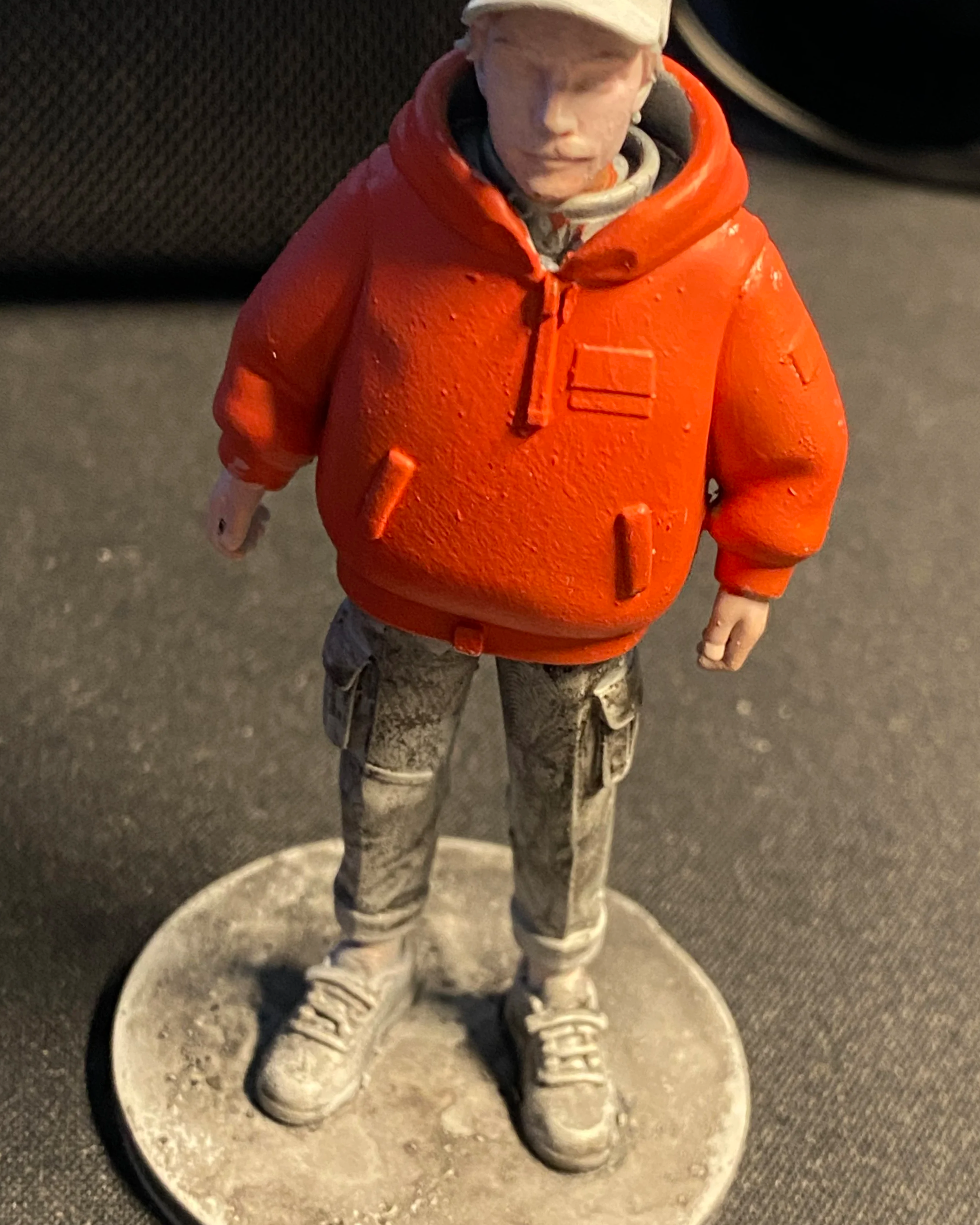
Demo Example by Cris K B
This is a tutorial that covers a good pipeline on how to take a Drawing, Photo, Realtime-paint and process that into a image format that works best with the current top image 2 3D Model out there and then 3D Print it or ready it for use elsewhere! Where the user is in control from start to end
First we need to make a user on Hunyuan “ Signup using email “ This account can be used across all the hunyuan sites
Link Here
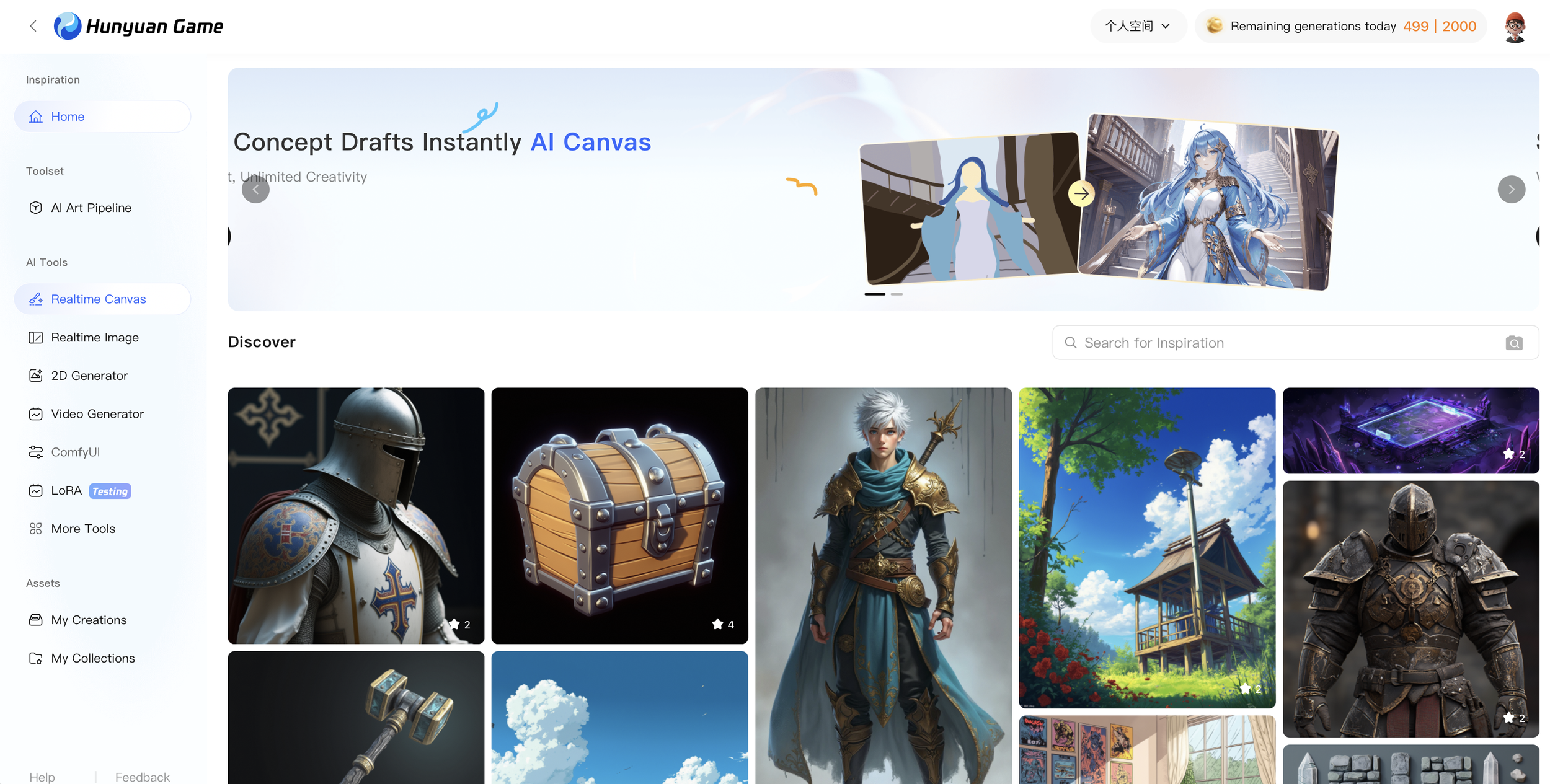
Realtime Canvas
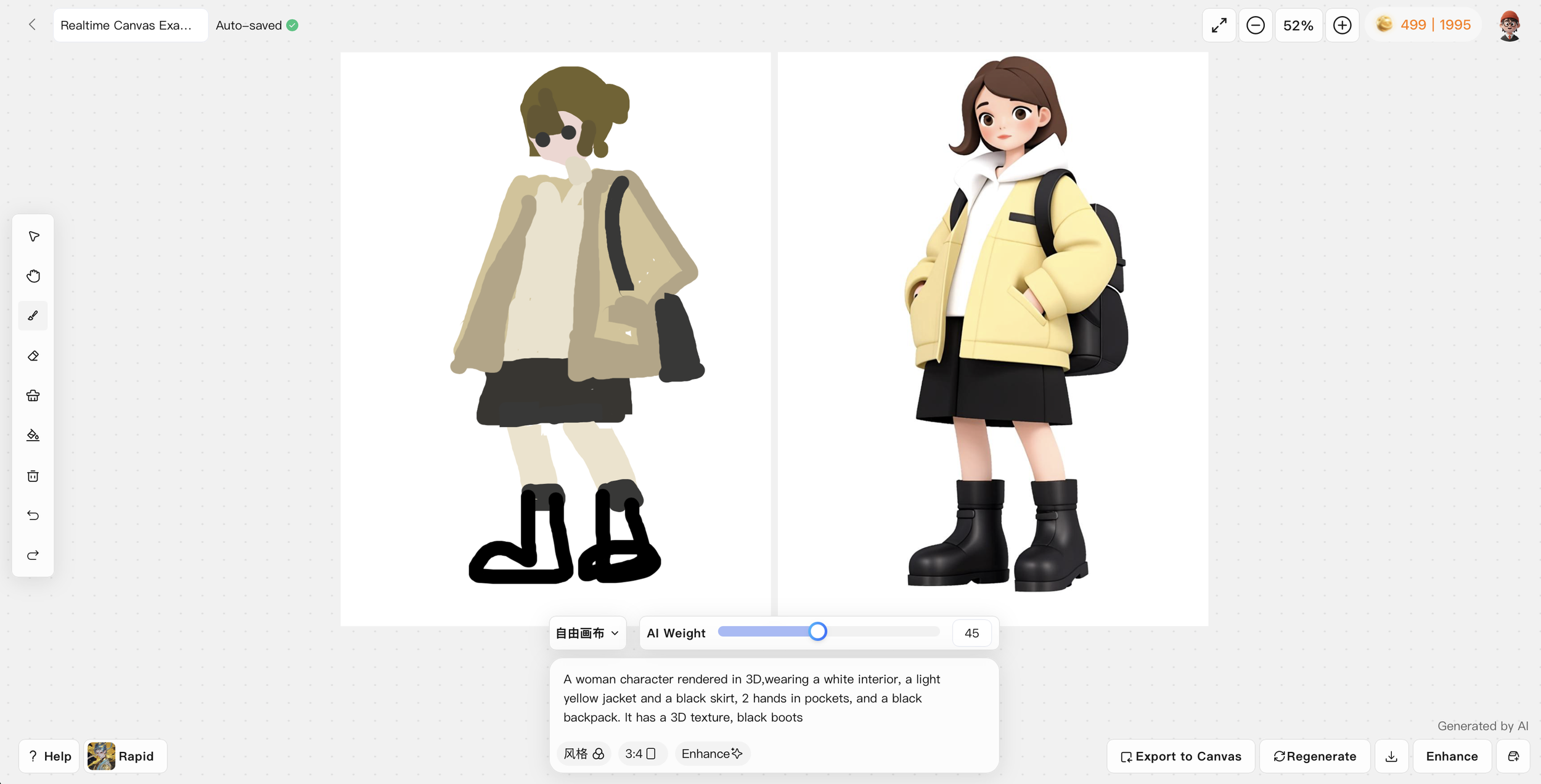
Screenshot from hunyuan realtime canvas
In the Realtime canvas we can draw and see a instant result on the Right side that is processed from the Left side and guided by a prompt, with this we can choose how much it changes using the weight and draw together with the model.
When we have a result that we want we can “Export to canvas” and continue drawing on top off it over and over until the image is final.
Link Here
Prepping Images
Next we will prep our source image to be better compatible with “Hunyuan image 2 3D” for this im using the “Hunyuan 2D Generator” on the site to upload my image as a referance
then prompting : “a photo 3d render of a woman, doing a pose, attire, the background is in a studio that has a flat background color and soft light and shadows, 3d style render, pvc figure, 3d art styled, simple 3d, legs, feet, kawaii, full view, hands out “
the “3D render, flat colored studio background, pvc style, minimal 3D, soft light and shadows” part is the most important we don’t want background clutter, too complex details, or hard light.
we can also adjust pose and angle in prompt.
“Note that the source image does not have to be from realtime canvas it can be a photo, drawing or any other image that you have”
Link Here
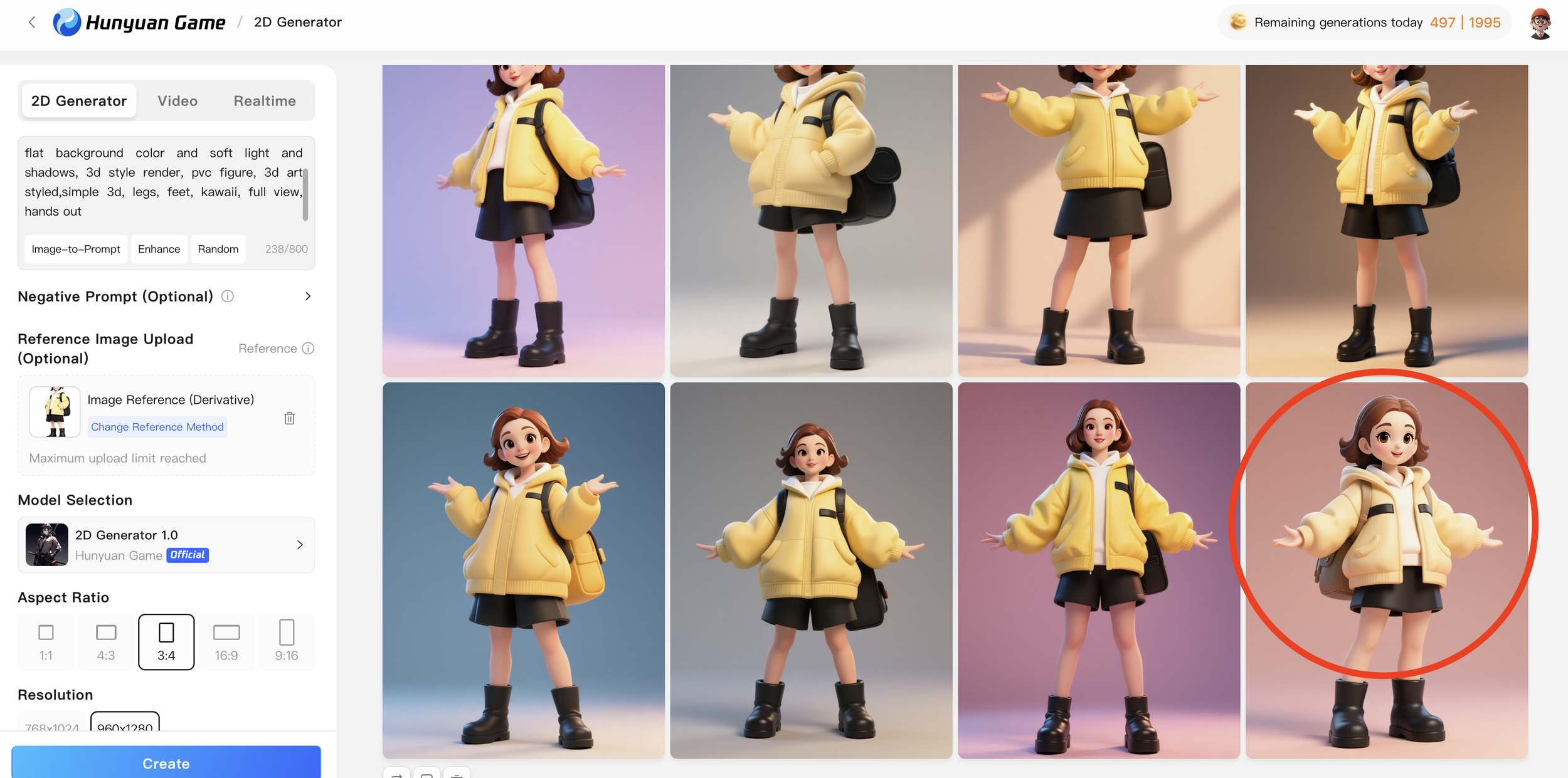
Screenshot from Hunyuan 2D Generator
Image 2 3D
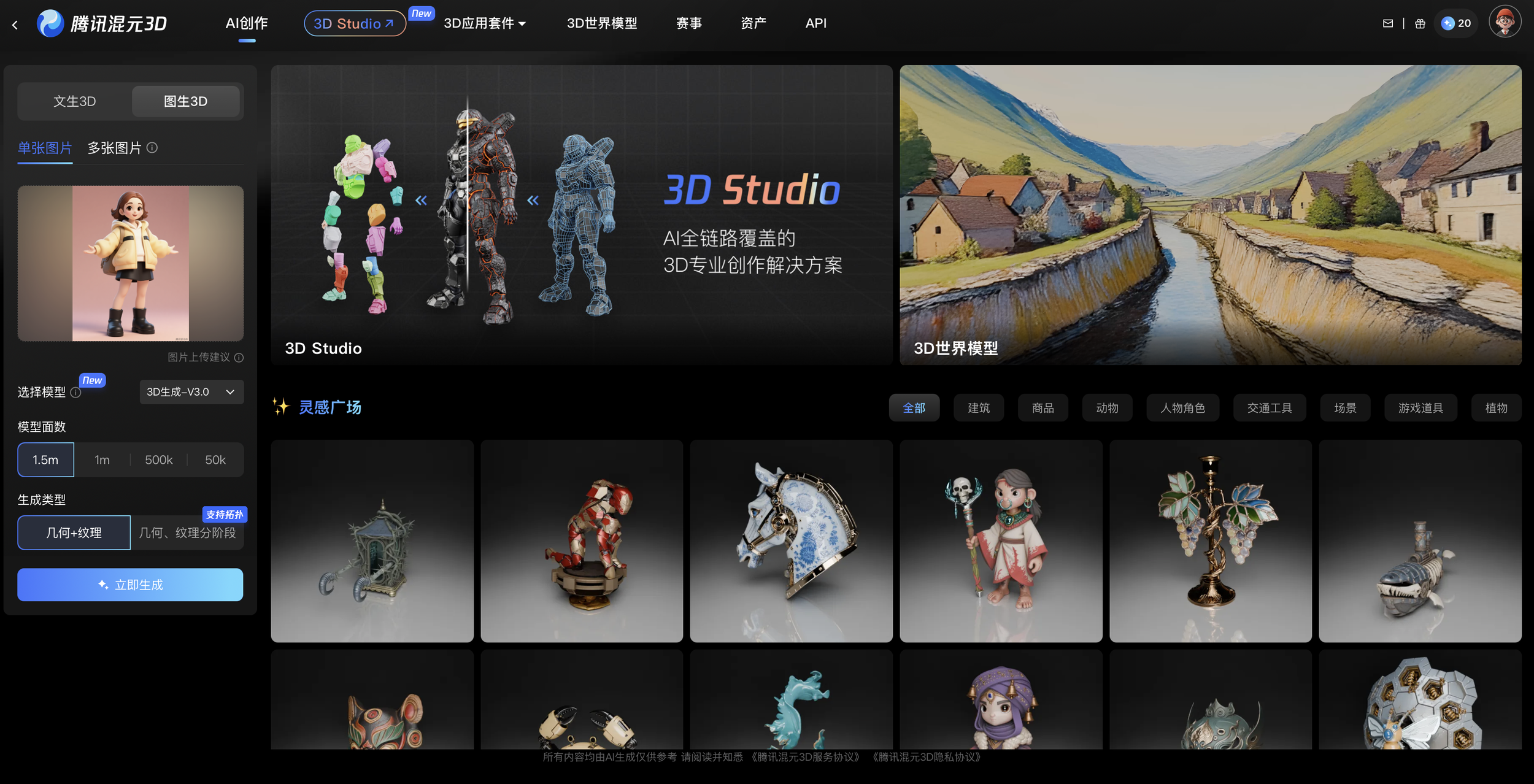
Screenshot from Hunyuan 3D
Next we can upload our prepped image on Hunyuan 3D and process it into a 3D Model
“Site is in Chinese so you just have to use a translate browser add-on”
Link Here
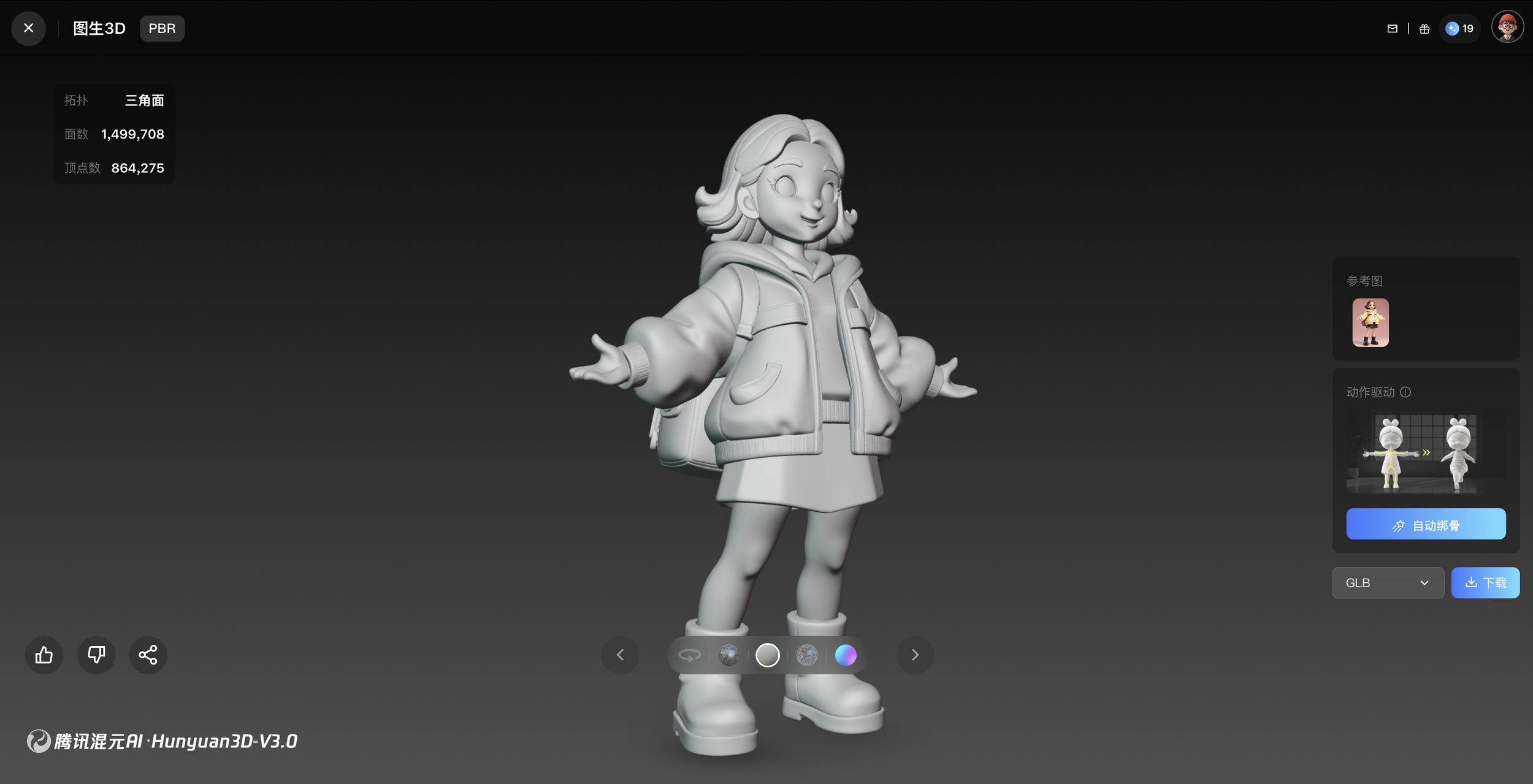
Prepping Models for use
Once we have a model we can download it and open it in software like Blender, Maya, Cinema 4D, etc
the most important part is to auto clean up the mesh as some vertices double and loose, making the model not water tight
